 teasa.ai
How do I bring my Character.AI chats to Teasa?
Save each character's chats with the free CAI Tools browser extension, then open Teasa's Character.AI import, choose the files and pick up to 30 characters: each becomes a private Character with a private Story that continues your latest chat, and your earlier chats come along as the story so far.
Save your chats with CAI Tools
- On a computer, add CAI Tools to Chrome from the Chrome Web Store or to Firefox from Firefox Add-ons.
- On character.ai, open a chat with the character, then open CAI Tools from its button at the top right.
- Under History, click Download history, then Start. CAI Tools saves every chat with that character in one
History_with_<name>.htmlfile. - Repeat for each character you want to bring.
Bring them to Teasa
- Open teasa.ai/cai and sign in, or create a free account.
- Click Choose your files and pick every CAI Tools file at once, or drop them on the page. Teasa reads them right in your browser.
- Under Choose your characters, tick the ones you want, up to 30 in one import.
- Click Bring with the number you picked, and keep the tab open while your chats upload.
- Keep using Teasa while they arrive. Each finished Story appears in your Chats with Continue the story.
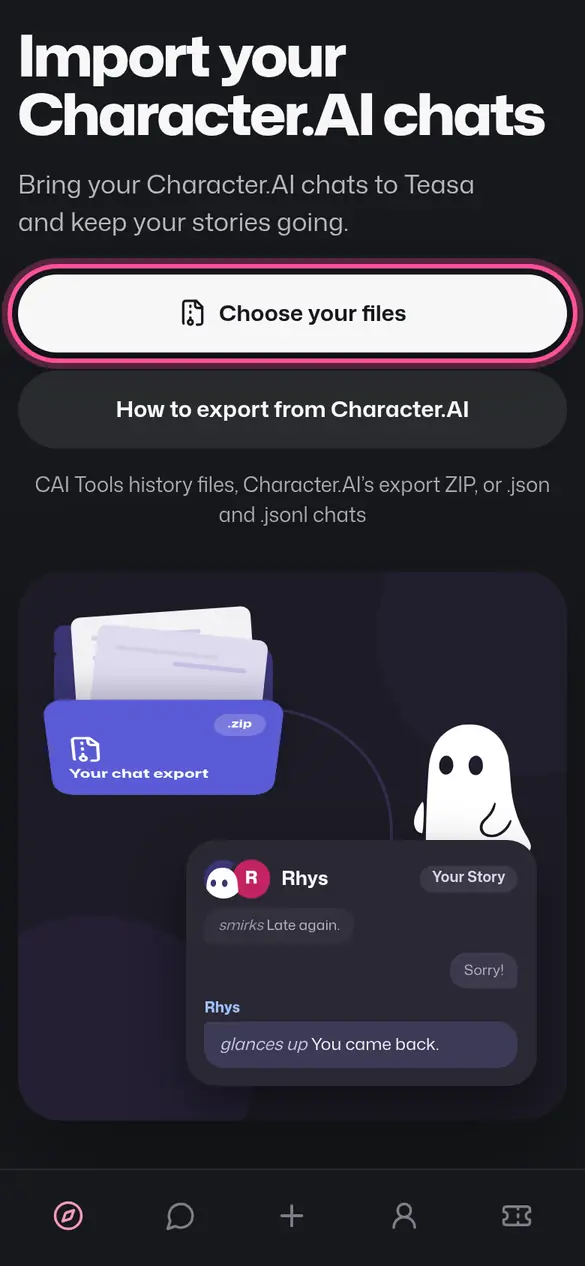
If Teasa can't tell which lines are yours, it asks Which one is you?: tap yourself and carry on.
What about Character.AI's own export?
Request it too, as the backup of your whole account. It arrives by email in three to four weeks, and its link works for seven days. Teasa imports the export's ZIP when it marks who wrote each line. When it doesn't, Teasa tells you right away and asks for your CAI Tools files instead.
Is it free?
Yes. Importing is free, and your first import adds 3 days of Teasa Pass to a confirmed account. Each account brings a set number of characters a day, more with Teasa Pass.
Imported Characters and Stories are private and use your private places: a free account keeps 3 private Characters and 3 private Stories. To bring a character's exact settings instead, use Bring a character.
Something went wrong?
If an import stops, a character doesn't come over or your lines end up on the character's side, email hello@teasa.ai with your account email and what you saw. We'll look into it.
Your next step
Drop in your CAI Tools files and pick the characters to bring.
Import your Character.AI chatsUpdated