 teasa.ai
Download the Teasa app
Play Stories and chat with Characters on your phone, tablet or computer.
Android
Google Play Scan to download
Download APK Scan to download
Galaxy Store Scan to download
- Version
- 1.0.23
- File size
- 135.8 MB
Install steps and SHA-256
- Open the downloaded file from your browser's downloads.
- When Android asks, allow installs from your browser, then tap Install.
- Open Teasa and sign in with the same account you use on teasa.ai.
- SHA-256
b65d37ac3c803926d5e8321d1a80e164e293cdf8a2dd237ed18f7da332f329f3
iOS
App Store Scan to download
Web
To keep Teasa one tap away, open teasa.ai, then choose Add to Home Screen in your browser's menu.
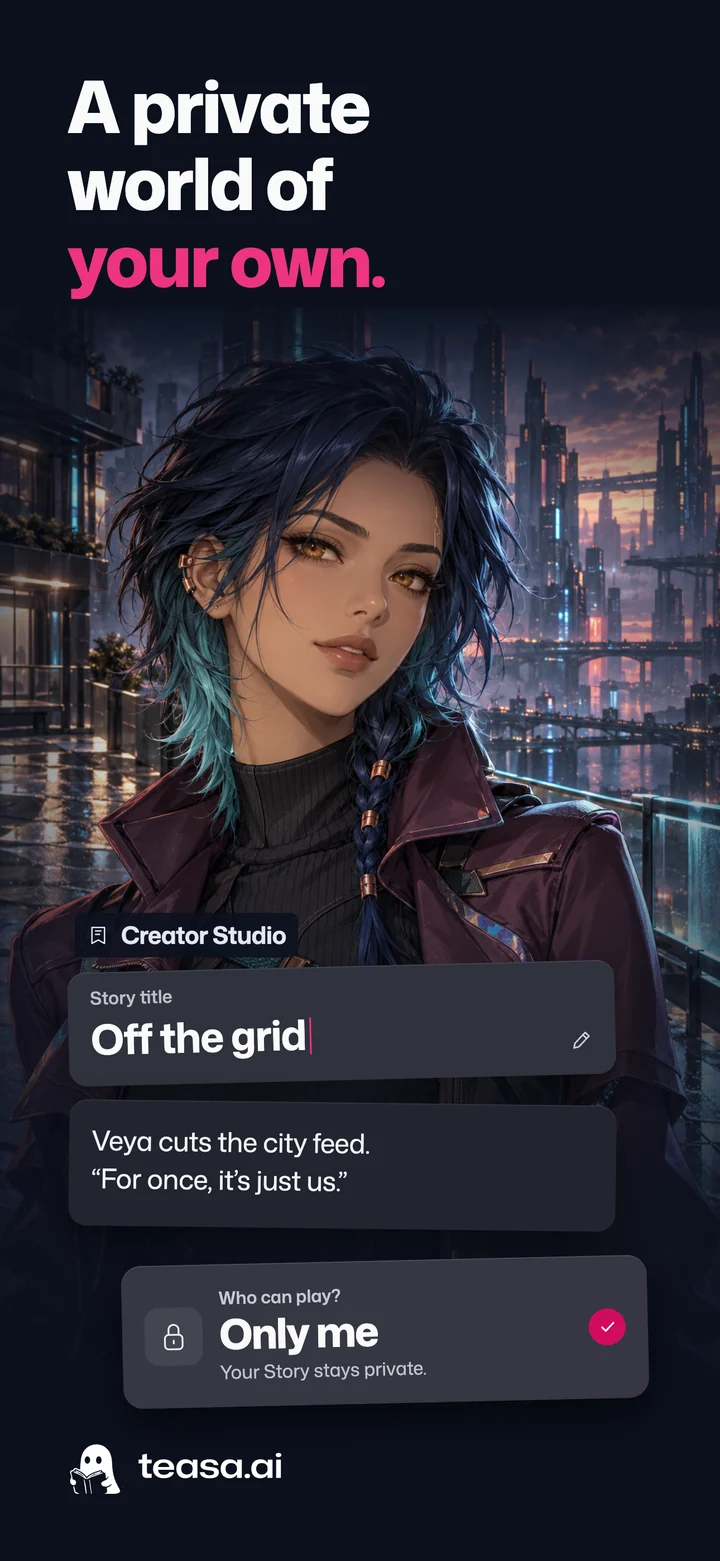
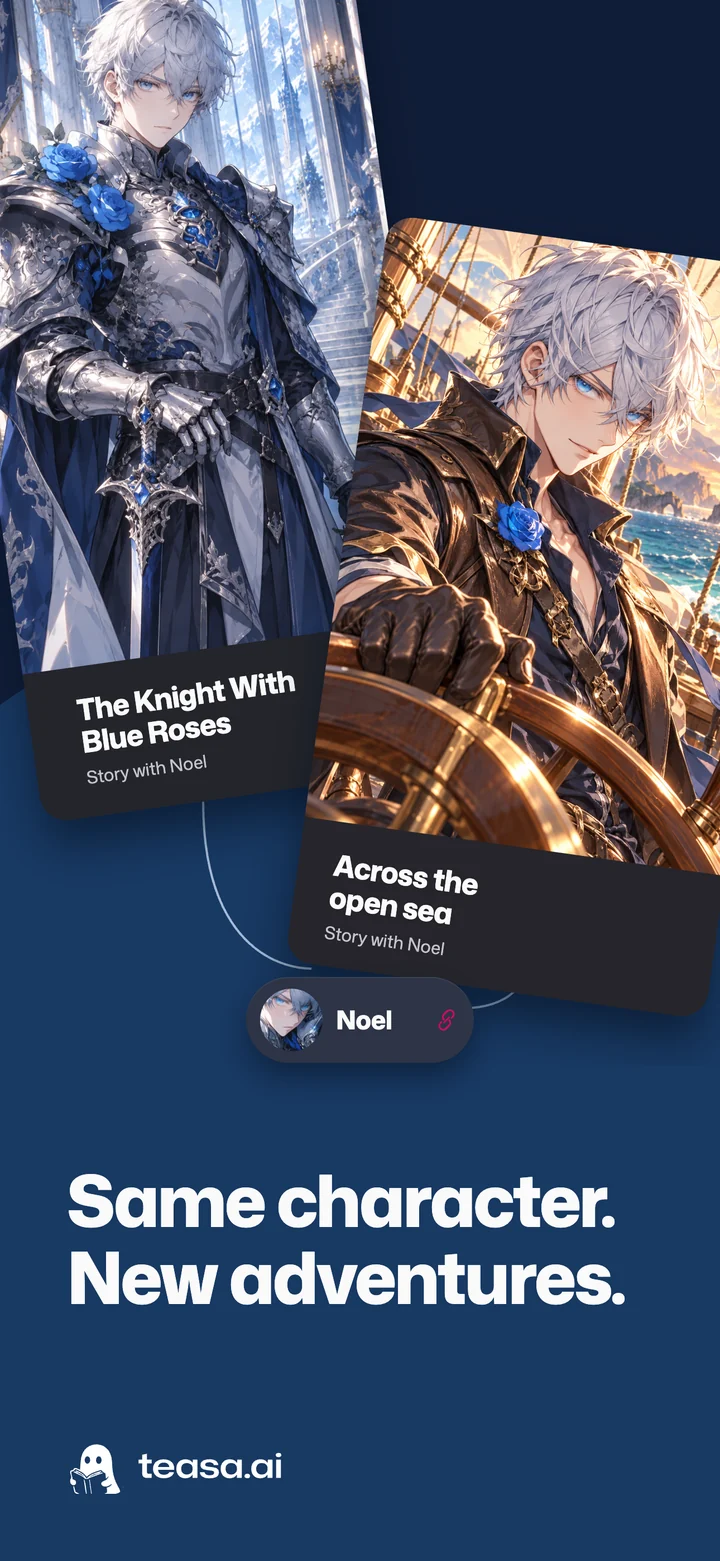
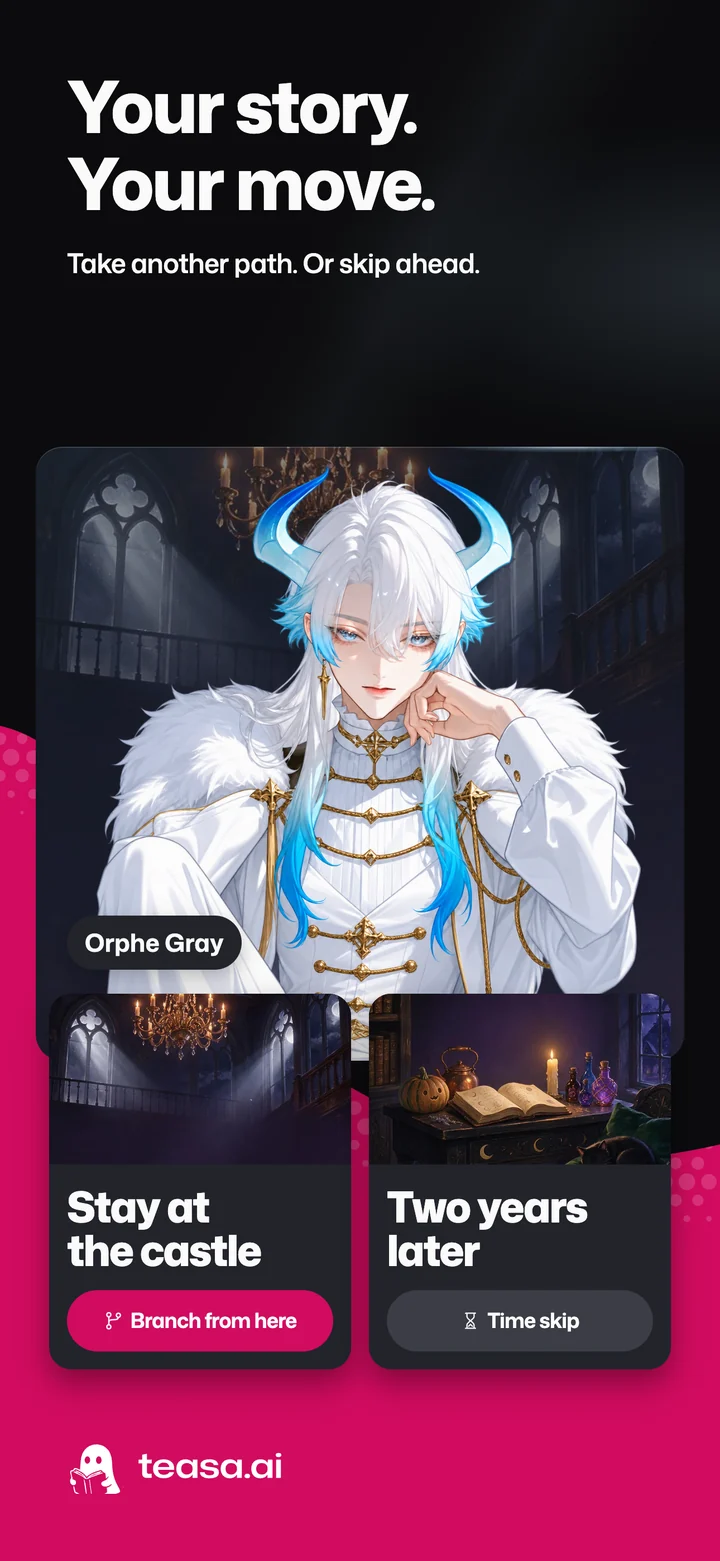
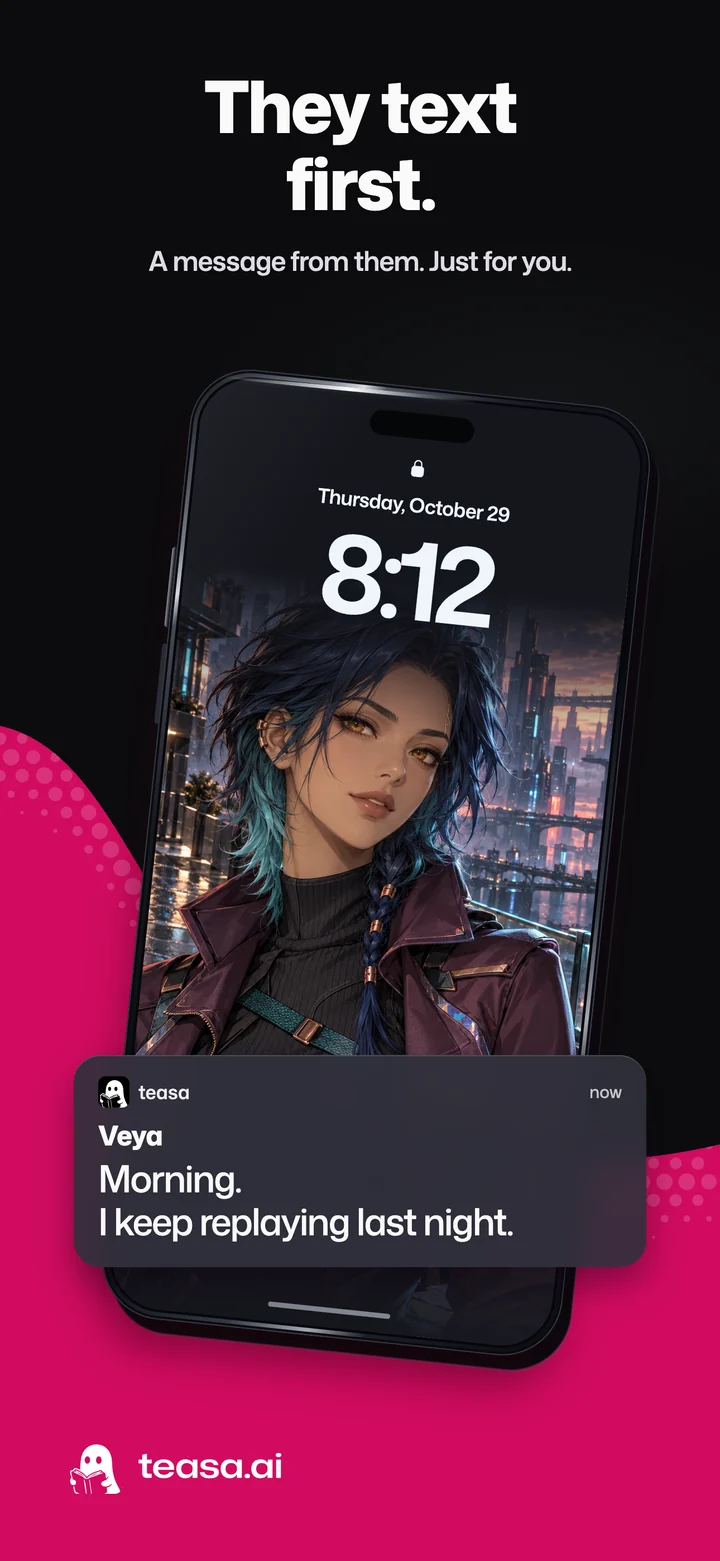
After downloading Teasa, three steps to start playing
Sign up or log in your way
Choose how to sign in
One account works on every device.
- Email code
- Apple
- Password
Pick a Story or a Character
Pick a Story
Or message any Character directly.
 The Tokyo Share HouseRomance
 I'm... a Constellation?Fantasy
 Married to My BossOffice romance
Chat and shape the story
The Tokyo Share House
Say or do anything, and the cast answers.
Hi! I just moved in. Did I miss the introductions?
KoseiHe rises from the cream sofa, one hand steadying his glasses.Just finished, actually. You're the last one in.
What do you say or do?
Send

Scan to download the app
One account works everywhere.